
ID: tw.tn.ted.maps
Version: 1.1.2
File Size: 5.1Mb
Location Address Finder Screenshots
Location Address Finder Description
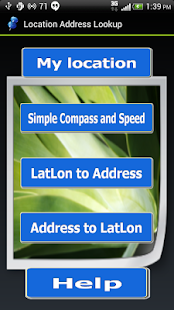
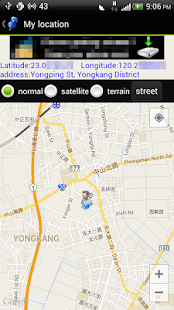
Location Address Finder feature:1. It can locate your current position, when position changed, it will be automatically updated location.
2.Simple Compass and Speed display.
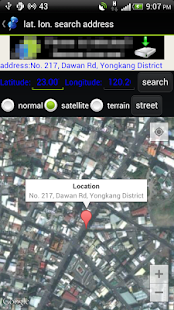
2. Find a address by entering latitude and longitude.
3. Enter keywords or address to find latitude and longitude.
4. You can set the map type or to see street view.
5. You can share locations to social networking sites or SMS or send email on the menu.
6. You can copy locations data to clipboard on the menu, and paste to such as text editing software.
7. You can tap a marker,a address dialog will display,and tap it,you will see the street view(or select a marker and press street view button).
8. Note: If unable to use google services often occurs,please confirm to start network and then restart android system to make related services loaded at boot time.
What's new in Location Address Finder 1.1.2
v1.1.2fix initial auto update location.
v1.1.1
1.Update Google Play Game Services version.
2.Fixed some programming errors.
v1.1.0
Fixed some program errors.
v1.0.9
1.Fixed some program errors.
2.Updates Google Services SDK version.
v1.0.8
Updates Google Services SDK version.
v1.0.7
Fixed some bugs.
v1.0.6
Fixed run error bug under Android 2. *. *.
v1.0.5
Let this App can be installed in the SD card.
v1.0.4
Add a simple compass and speed display.