ID: com.sonyericsson.android.pobox.skin.MonochromeWhite2
Version: 1.1
File Size: 0.4Mb
MonochromeWhite2 keyboard skin Screenshots
MonochromeWhite2 keyboard skin Details
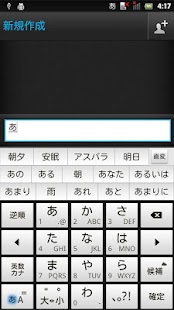
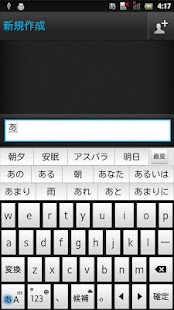
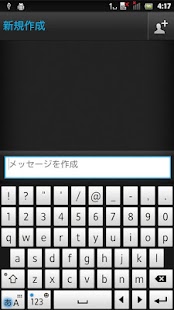
MonochromeWhite2 is a keyboard skin for POBox Touch 5 on Xperia™ phones.Once downloaded, this skin is automatically added to your skin collection. To apply it, go to Settings > Language & keyboard > Xperia™ Japanese keyboard > Select keyboard skin.
You can also jump to Xperia™ Japanese keyboard settings by longpressing the mode key(note1) to display the pop-up window and tapping the settings icon(note 2).
(note1)
Bottom left key for switching between Kana mode and Alphabet mode
(note2)
Spanner icon